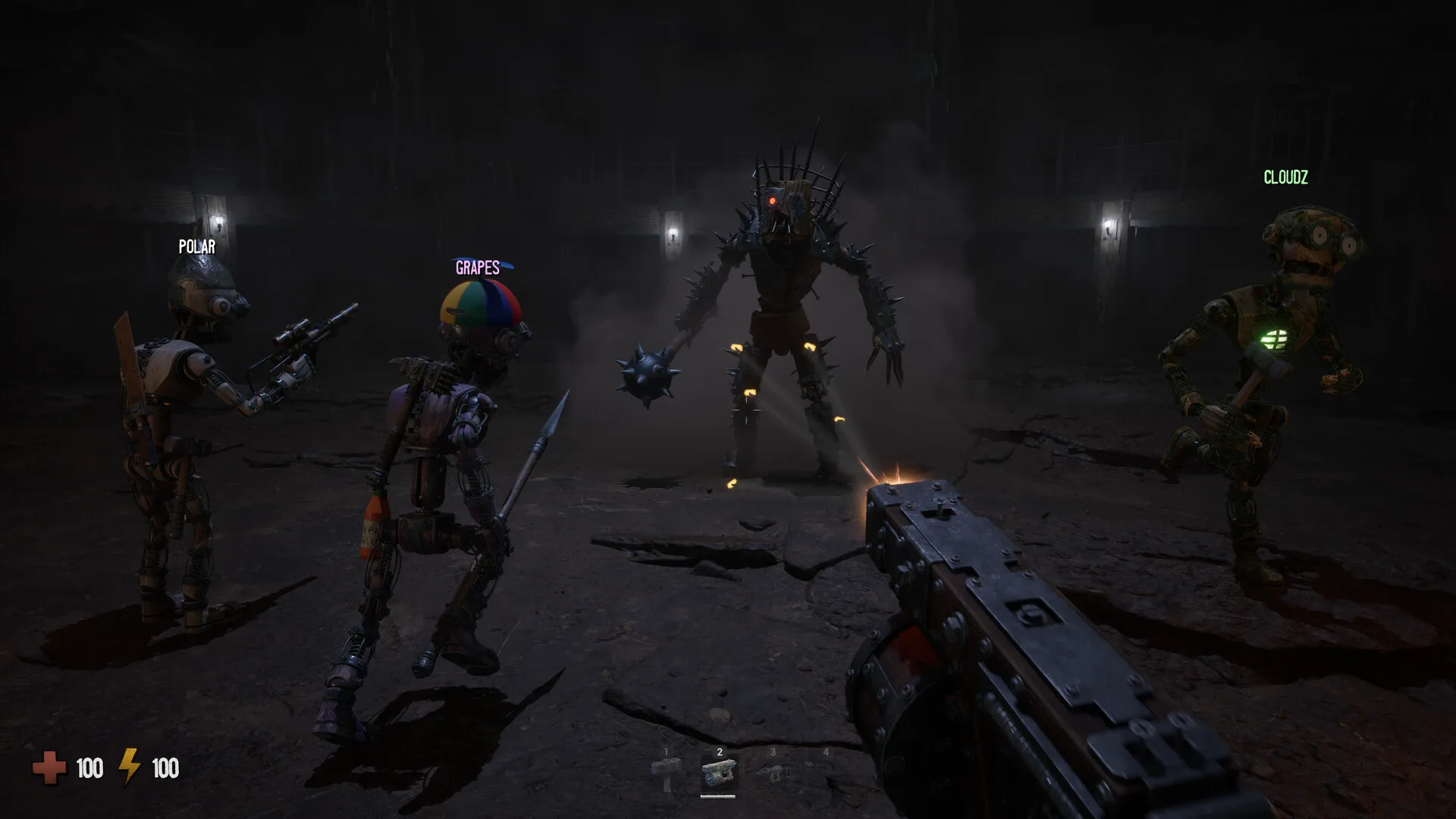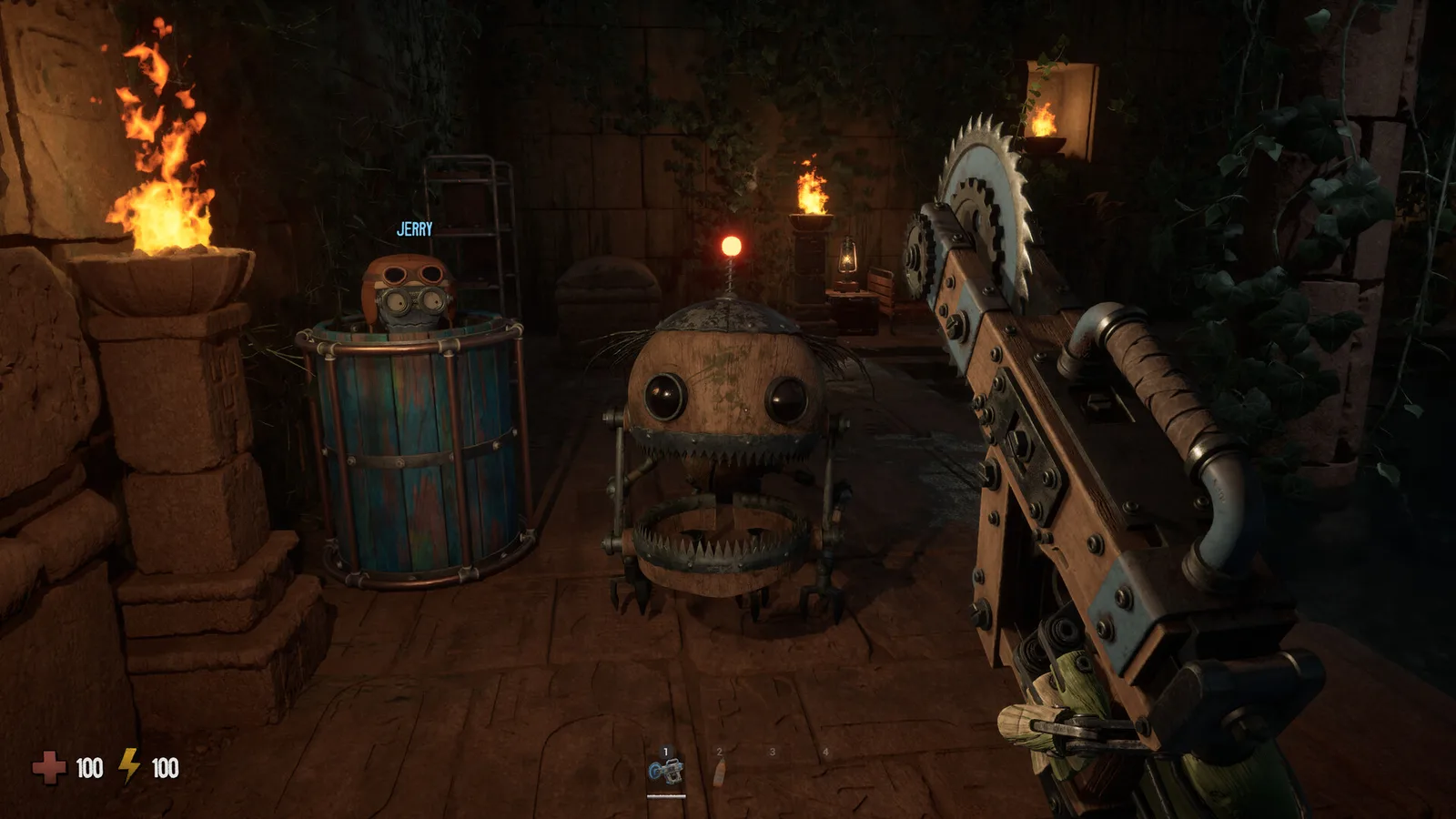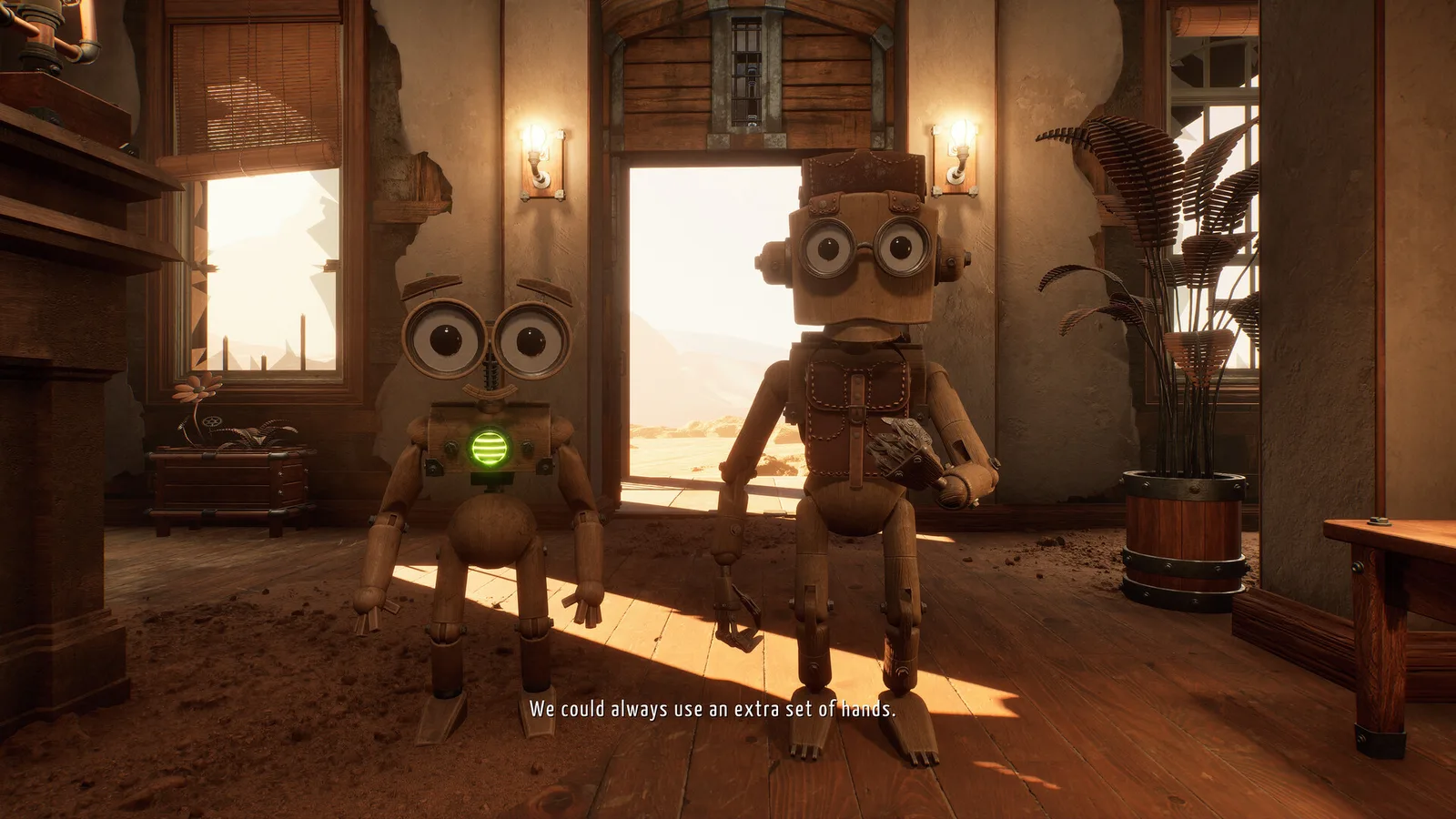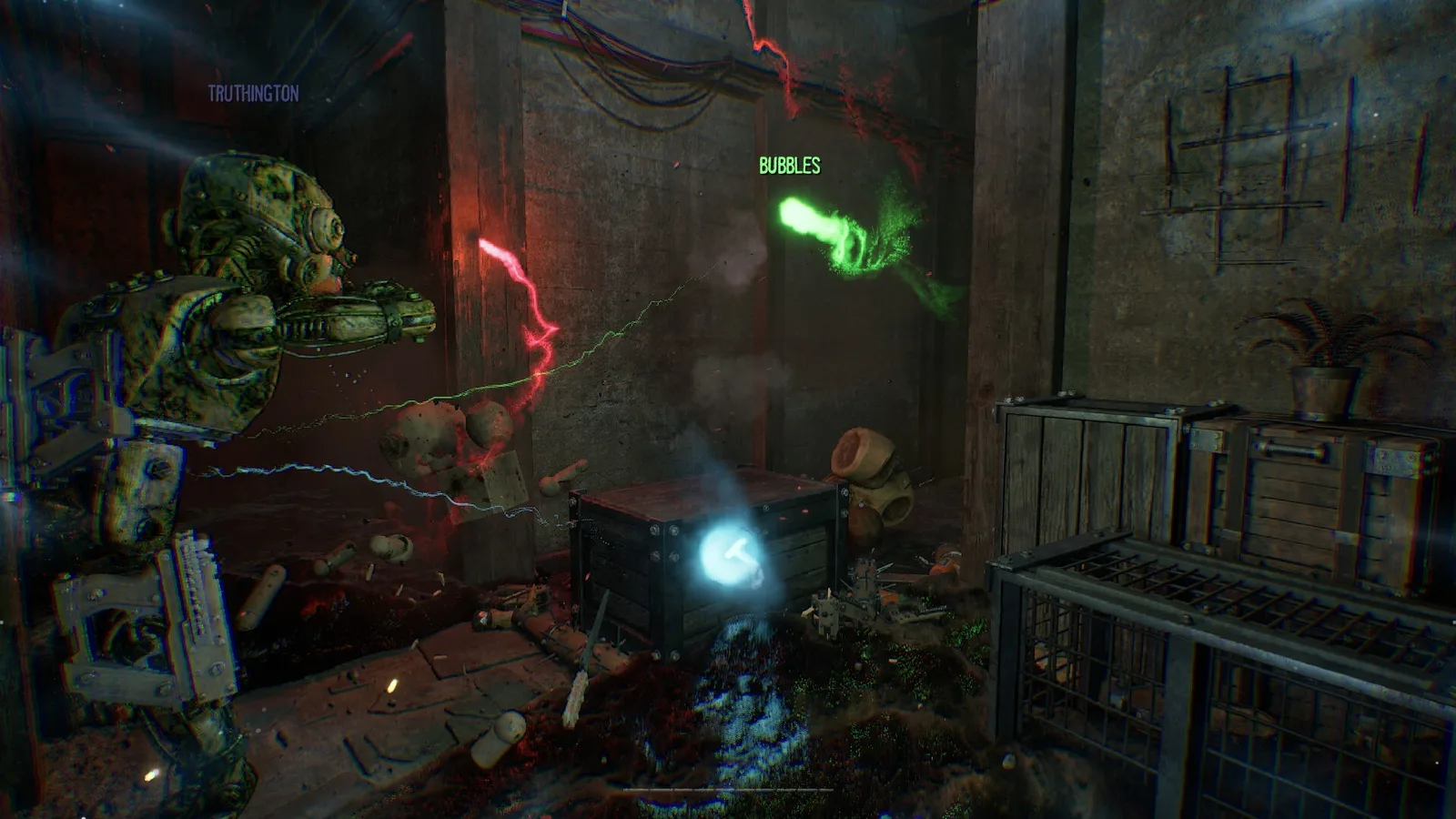
Check your Spark's Glow first. Community observations report that fading Glow progressively limits jumping or floating, while staying near light or a teammate can restore it. If Glow is present and every movement input is dead, record the session details and report a possible bug.
Check Glow before calling it a bug
The official store explains that a Spark must find another host before its light fades completely. Post-release player discussion adds a useful observed detail: as Glow drains, the Spark can progressively lose the ability to jump or float. Nearby light or a friendly player can help restore that state.
That makes Glow the first diagnostic signal. A Spark that slows as Glow disappears may be experiencing the intended recovery pressure, not frozen input.
Recovery steps
- Look at the Glow state. Note whether movement weakened gradually or stopped instantly.
- Move toward a teammate or nearby light if any movement remains.
- Keep the crew nearby. Ask a Vessel player to return rather than continuing deeper.
- Search for a new host. Spark mode is temporary; recovery is the objective.
- Separate mechanics from input failure. If Glow is visible but all controls are dead, capture the exact conditions.
When it looks like a technical issue
Treat the problem as a possible bug when movement stops suddenly while Glow remains, the Controls menu still shows valid bindings, and moving near an available recovery source has no effect.
Patches 1.01 through 1.05 do not explicitly document a Spark movement fix. That means there is no official “press this key” or guaranteed reconnect solution to publish. A multiplayer desync, input lock, collision state, or another cause may be possible, but none should be stated as confirmed without a reproducible case.
Low-risk technical checks
- Update to the latest Steam build.
- Confirm the current movement bindings and active input device.
- Remove injected mods, trainers, or custom DLLs before reproducing.
- If the crew can safely do so, return to a stable state and reproduce once.
- Report the result through the official Discord or support route.
Do not promise that reconnecting preserves the run, and do not use unsourced “success rates” from troubleshooting sites.
Sources
- GRAIN ROT on Steam — official Spark and fading-light description.
- Post-release Steam discussion — community Glow and movement observations.
- Official patch history — no explicit Spark movement fix through 1.05.
This page was reviewed on August 11, 2026. Patch details and live storefront values can change; the linked official sources take priority.